At Traverse City Web Design, we spend a lot of time thinking about screens.
How they feel. How they breathe. How much they’re asked to hold in a single day. Your phone or laptop is where you check the weather over Grand Traverse Bay, answer client emails, scroll social feeds, and maybe sneak a look at the fall color report or to see if there’s a ‘snow-day’ at school.
Because we live and work in Northern Michigan, we also spend a lot of time outside the screen. Walking sandy two-tracks, watching zinnias explode in late-summer color, noticing how bare trees carve dark lines against a November sky. These three free wallpaper sets are our way of bringing that world onto your devices in a way that’s beautiful, intentional, and actually usable.
Each wallpaper is available in multiple resolutions for mobile, desktop, and laptops. You are welcome to download them, share them with friends, and rotate them with the seasons. All photographs are original images taken here in Michigan and lightly edited to work well with modern screens.
Why These Wallpapers Look a Little Different
When you first set one of these as your background, you might notice something: the photo doesn’t stretch edge-to-edge. There is intentional black space framing the image.
That dark space is on purpose. Modern home screens are busy. Icons march across every row. Widgets stack up. Notifications crowd the corners. Instead of fighting that reality, these wallpapers are designed to work with it.
The photograph sits centered and sharp. The surrounding black field becomes a neutral stage for your icons and folders. Bright app badges and labels stay readable. Your eye still lands on the image first, but the overall layout feels calmer and more organized. It is a subtle design trick borrowed from web design itself: give important content room to breathe.
On OLED screens, the black space also has a practical benefit. True black pixels are effectively “off,” which can help reduce eye strain in low light and may slightly improve battery life on some devices. The result is a wallpaper that feels both visually rich and surprisingly gentle on the eyes.
Northern Michigan in Your Pocket
These sets were all photographed in and around Northern Michigan: the blaze of peak fall color along a sandy trail, the layered petals of garden zinnias, the stark minimalism of bare treelines under a gray sky. Together, they tell a quiet seasonal story.
Use the fall ridge scene when you are craving bright, crisp energy. Switch to the zinnias when you need the optimism of late summer on your lock screen in February. And when you want something moodier and more minimal, the November woods wallpaper brings that quiet, contemplative edge that so many of us love about the off-season here.
Below you will find download links for each version. Choose the resolution that best matches your device, or download them all and build your own little Northern Michigan rotation.
How to Use These Wallpapers
You can use these on almost any modern device. Here is a simple way to get started:
- On your device, tap or click the resolution link that matches your screen (or the closest size).
- Once the image opens, save it to your device. On most phones, you can press and hold the image and select “Save Image” or “Download.”
- Open your device’s wallpaper or display settings and choose the image from your photo library or downloads folder.
- Set it as your home screen, lock screen, or both. If your device lets you reposition the image, keep it centered so the black field can frame your icons.
Do not worry about matching the resolution perfectly. These wallpapers will still look crisp when scaled down slightly. The extra black space around the edges helps them adapt to different aspect ratios without cropping the main subject.
Wallpaper Set 1: Autumn on the Ridge
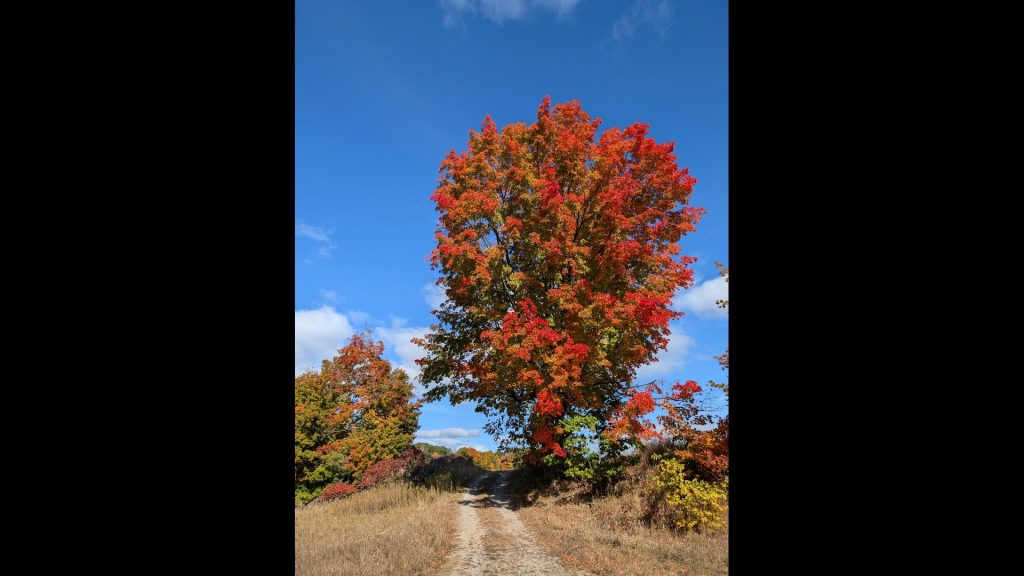
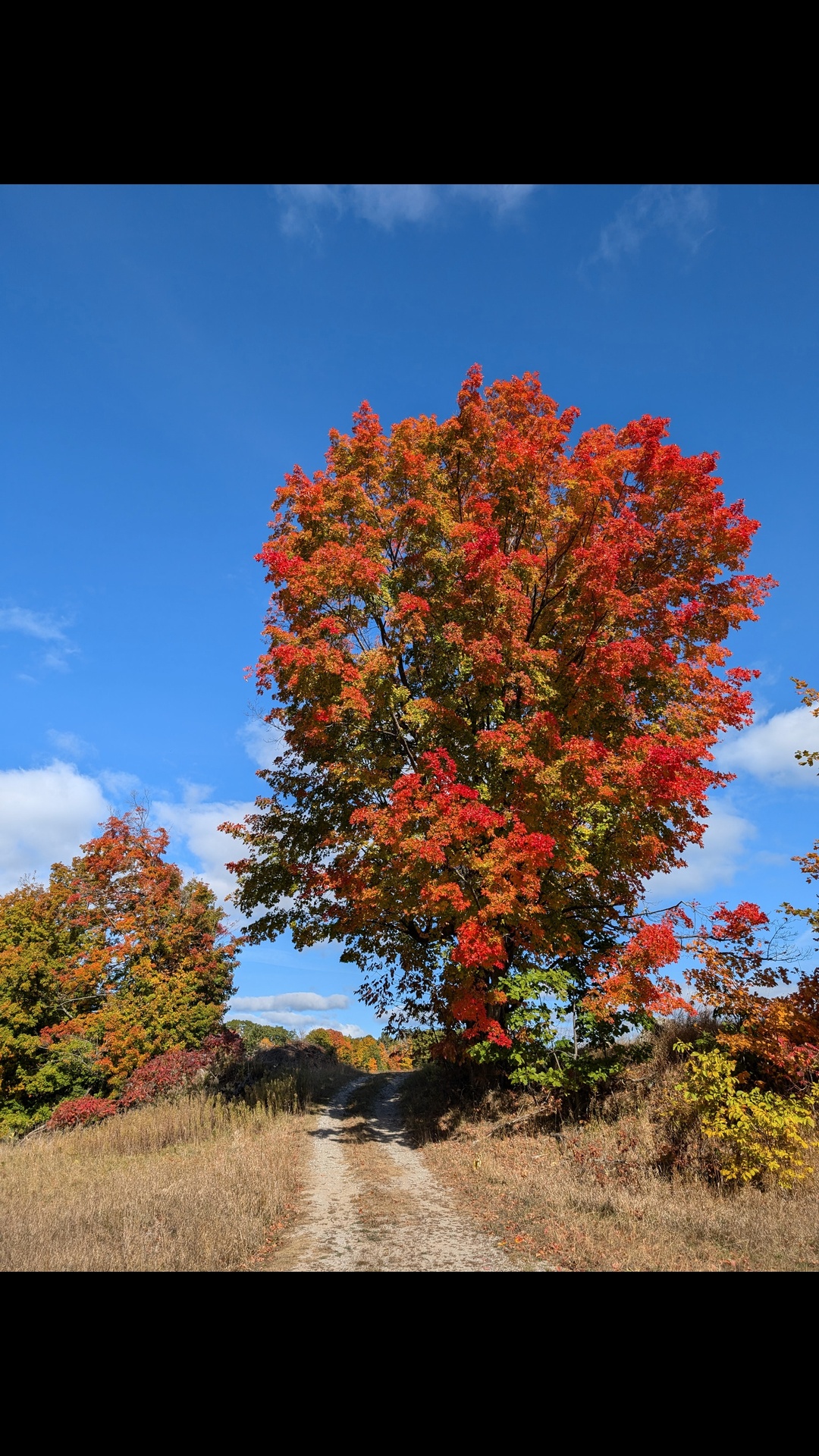
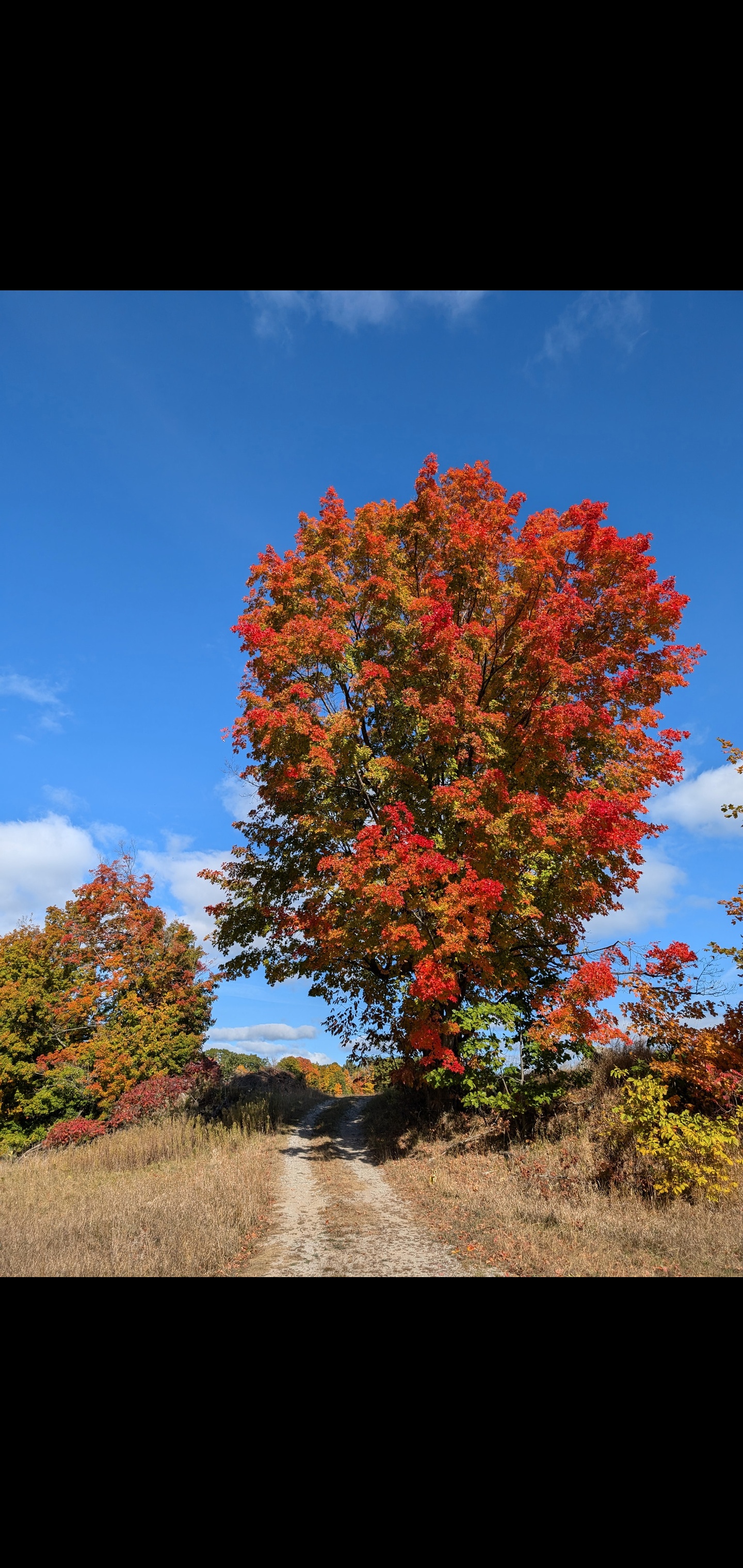
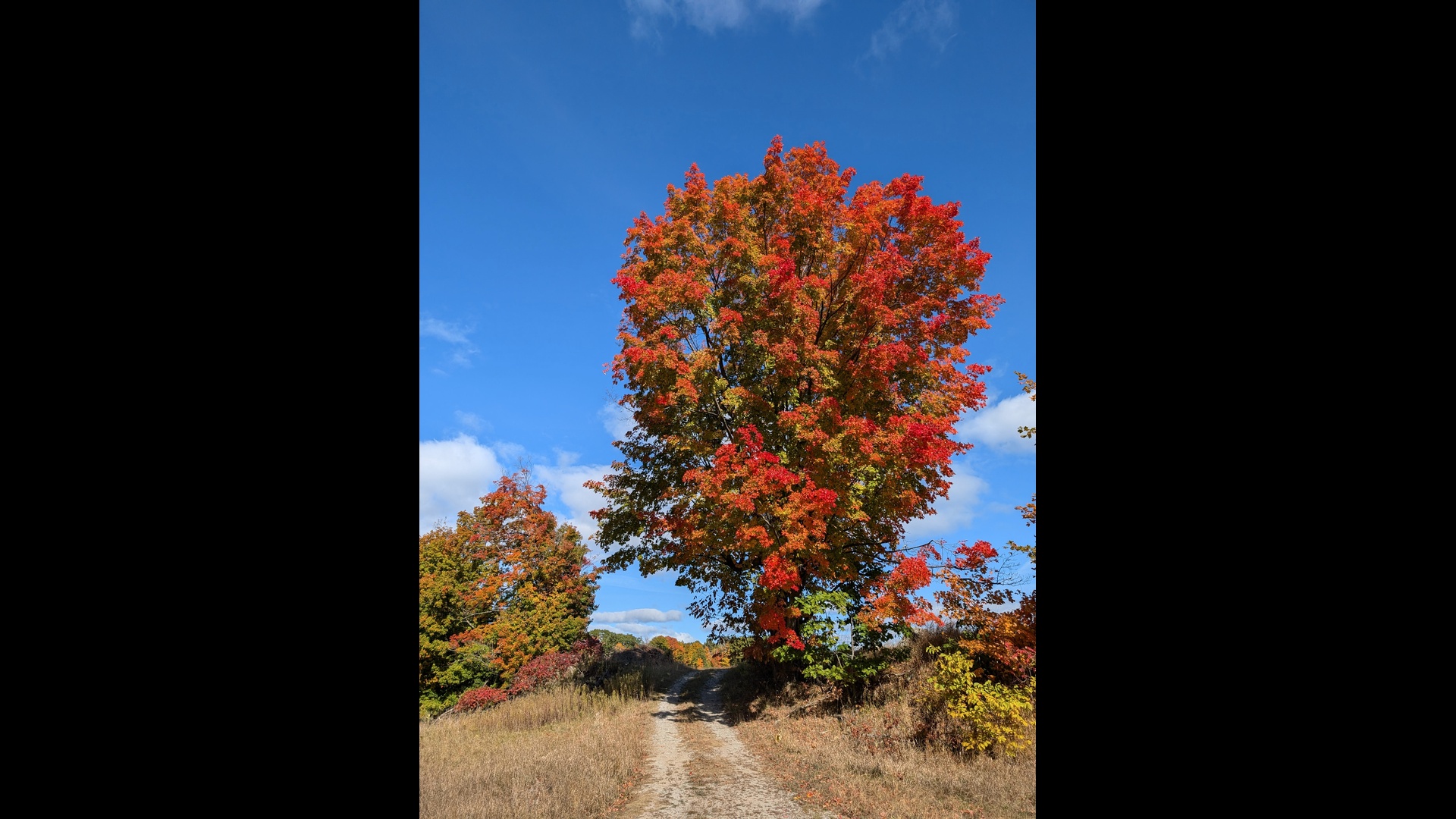
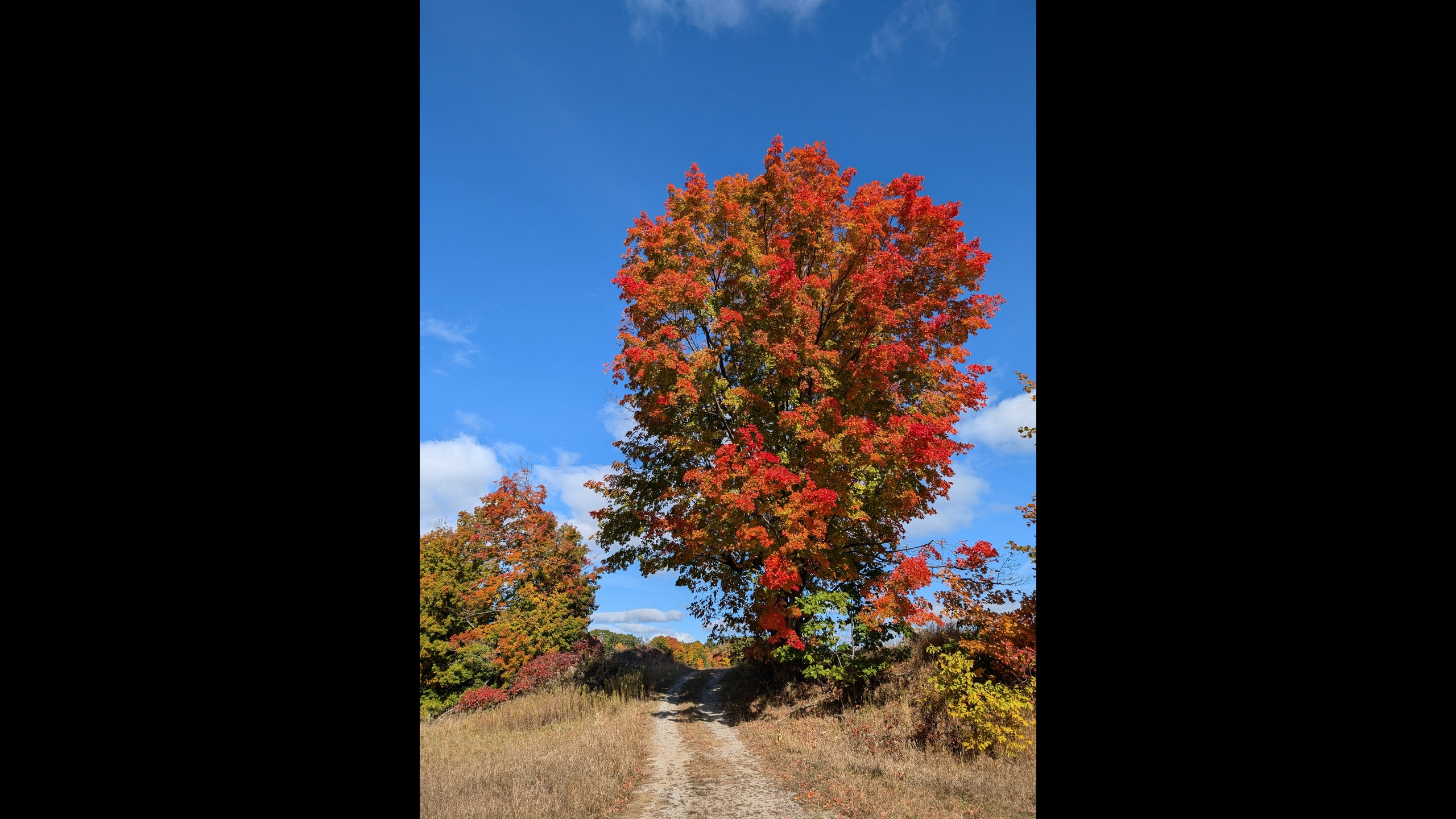
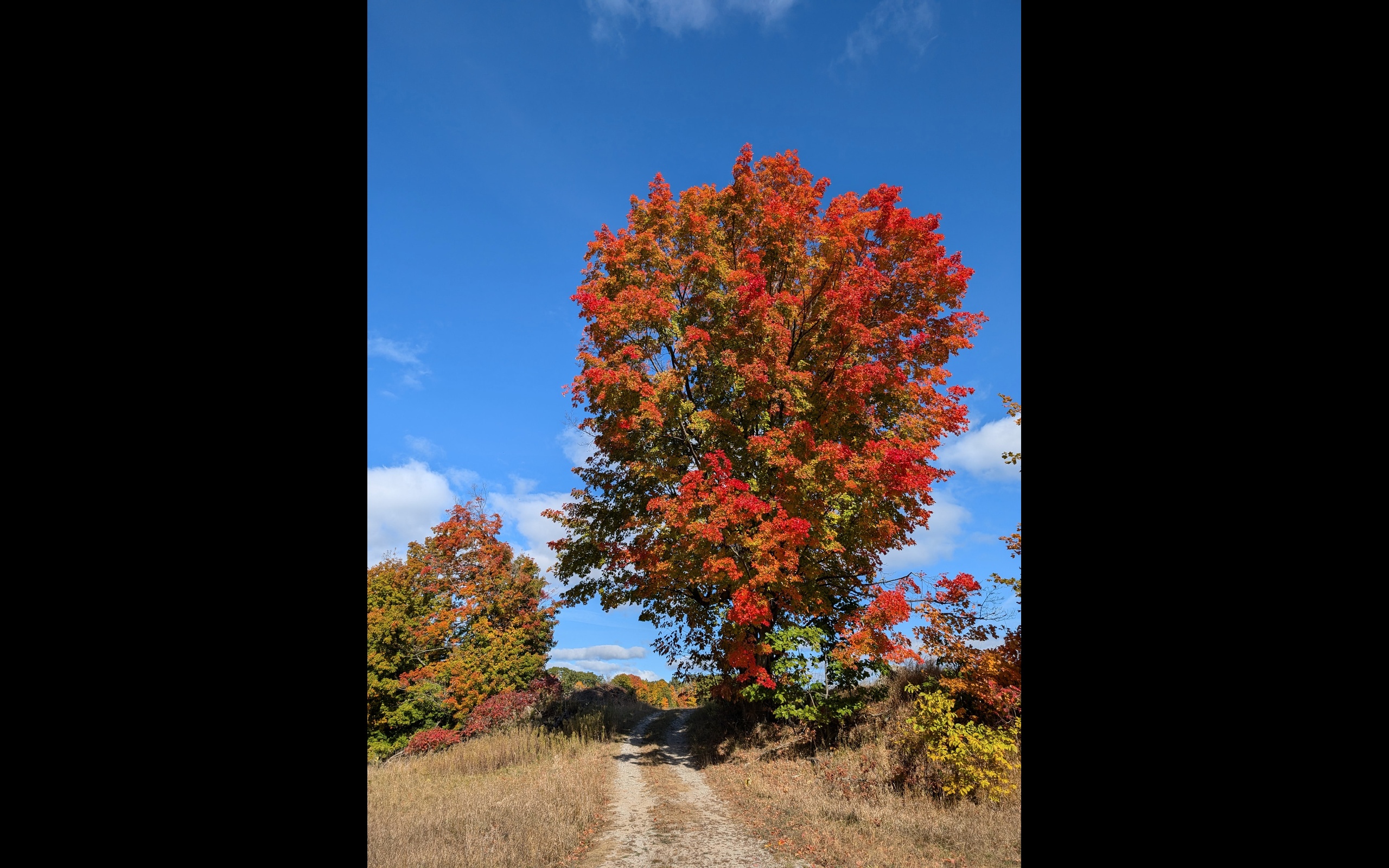
This image captures a classic Northern Michigan scene: a sandy two-track curving up a ridge, lined with trees in peak autumn color. The reds and oranges are intense but grounded by the blues of the sky and the neutral earth tones of the road. It feels like stepping into a crisp October afternoon.
When used as a wallpaper, the bright canopy becomes the focal point, framed by soft black edges that hold your icons without covering the heart of the photo. It is perfect for anyone who wants their device to feel like an open, sunlit walk rather than another busy dashboard.
Downloads: Autumn on the Ridge
Mobile
- 1080 × 1920 (standard vertical smartphone wallpaper)
Download wallpaper_1_mobile_1080x1920.jpg - 1440 × 3040 (taller, high-resolution phones)
Download wallpaper_1_mobile_1440x3040.jpg
Desktop
- 1920 × 1080 (standard Full HD monitors)
Download wallpaper_1_desktop_1920x1080.jpg - 2560 × 1440 (wider QHD displays)
Download wallpaper_1_desktop_2560x1440.jpg
Laptop
- 2560 × 1600 (common on newer high-resolution laptops)
Download wallpaper_1_laptop_2560x1600.jpg
Wallpaper Set 2: Late-Summer Zinnias
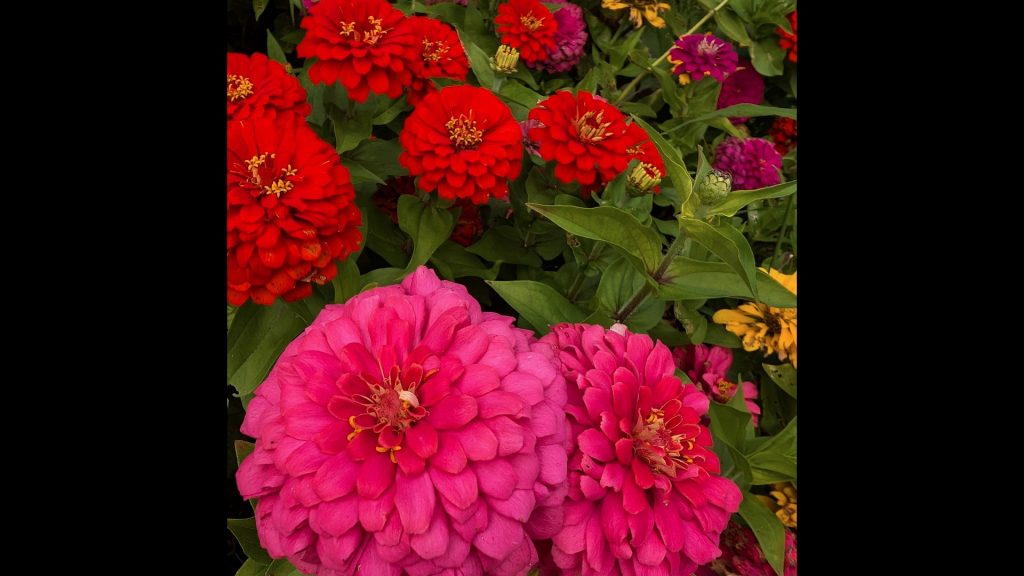
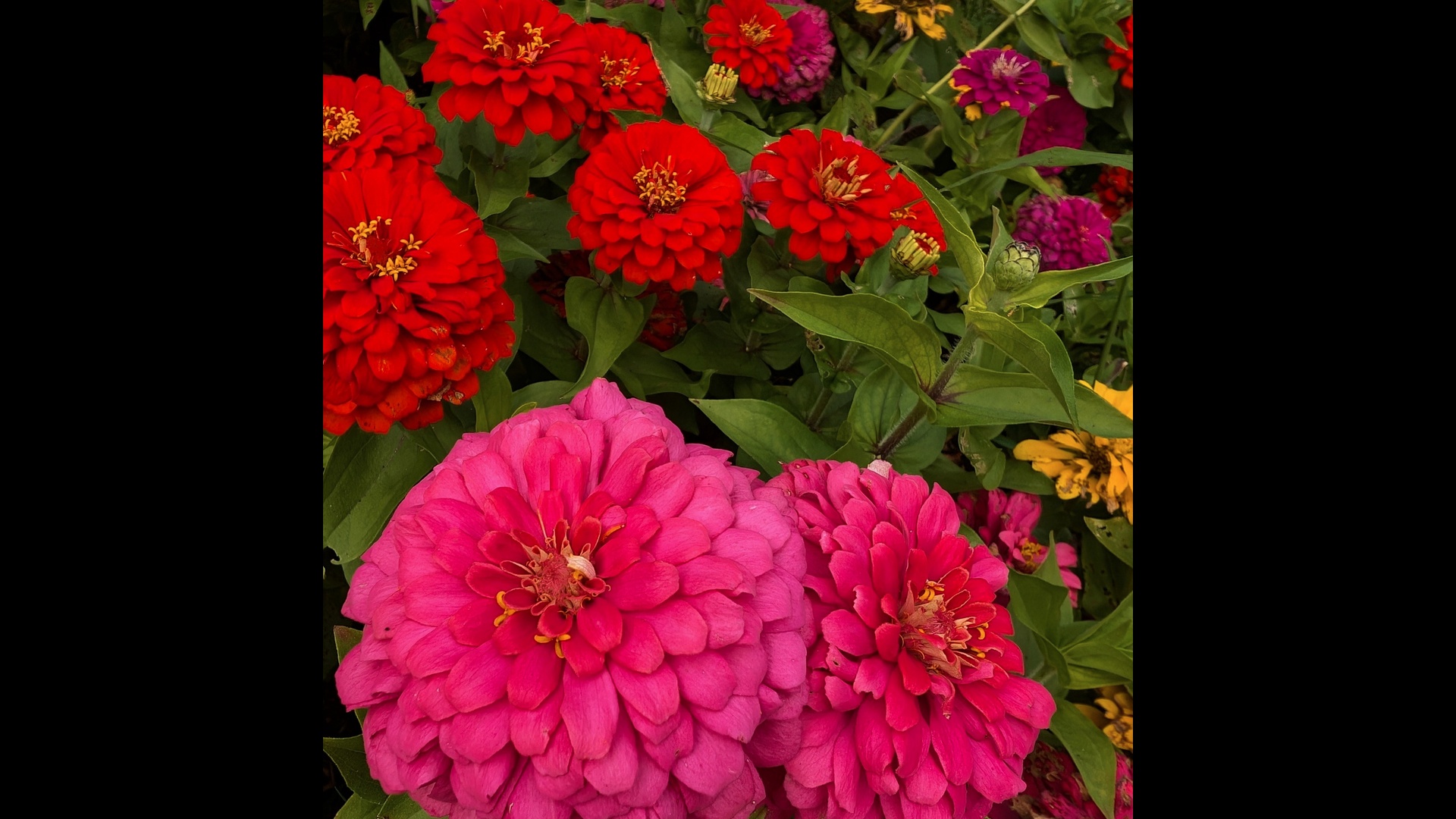
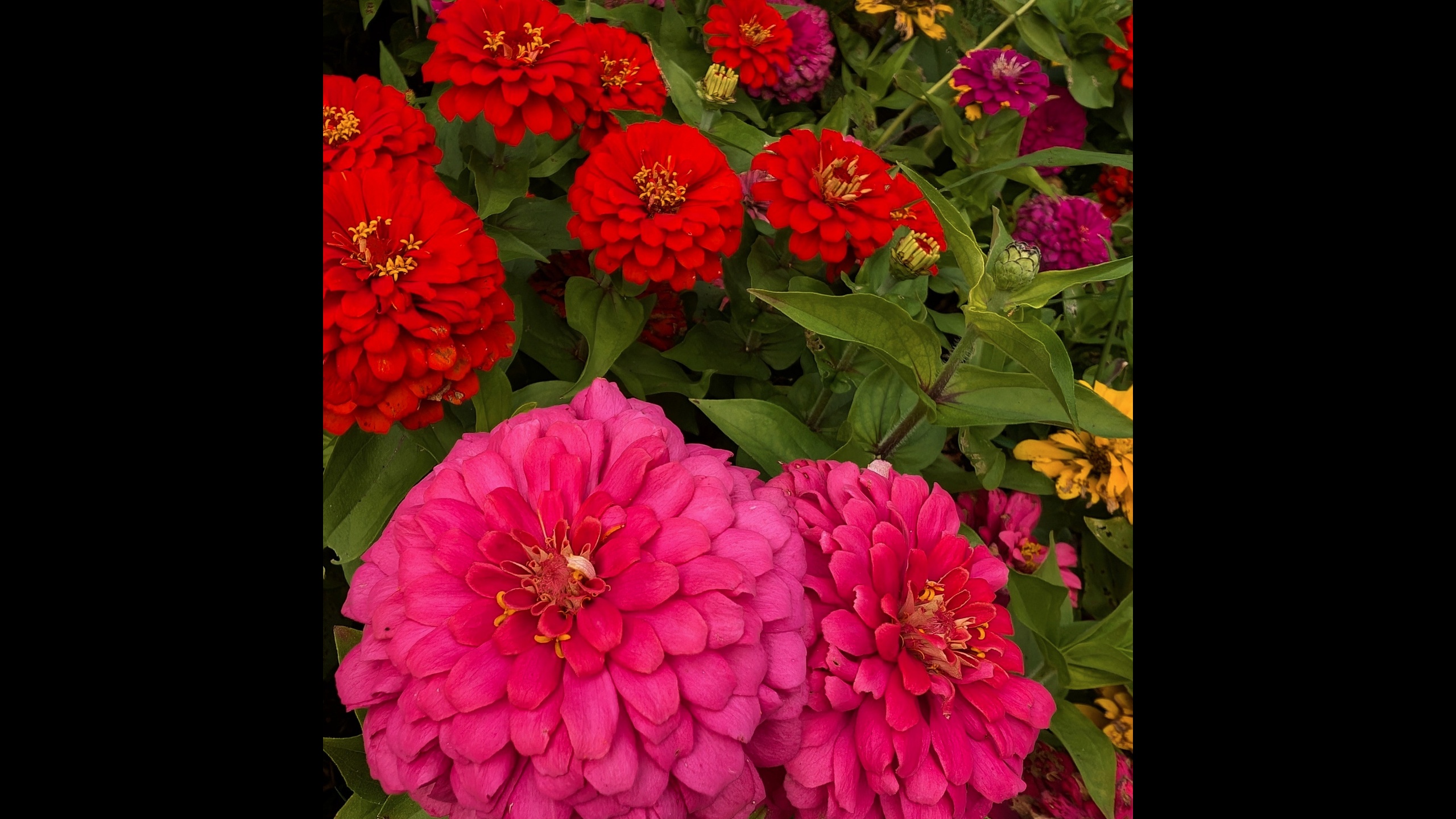
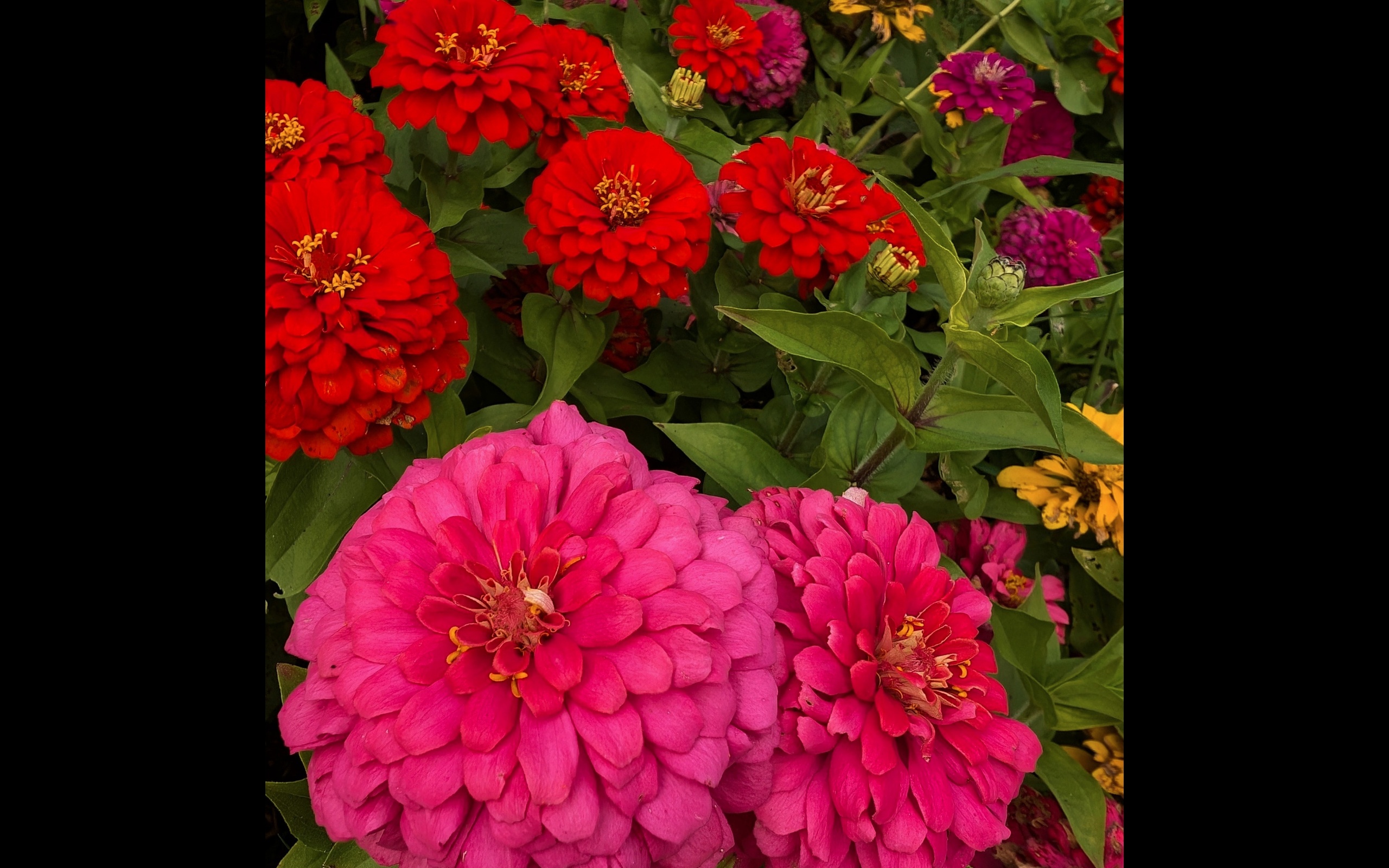
The second set focuses in close on zinnias in full bloom. Deep reds, hot pinks, and flashes of gold fill the frame, layered petal on petal. There is a lot of detail here, but the black border around the image keeps the overall layout from feeling overwhelming when used as a background.
On a phone or laptop, your icons naturally fall into the darker areas, while the flowers occupy the center like a small, contained burst of color. It is a nice choice if you want something joyful and saturated that still plays nicely with text labels, folders, and widgets.
Downloads: Late-Summer Zinnias
Mobile
- 1080 × 1920
Download wallpaper_2_mobile_1080x1920.jpg - 1440 × 3040
Download wallpaper_2_mobile_1440x3040.jpg
Desktop
- 1920 × 1080
Download wallpaper_2_desktop_1920x1080.jpg - 2560 × 1440
Download wallpaper_2_desktop_2560x1440.jpg
Laptop
- 2560 × 1600
Download wallpaper_2_laptop_2560x1600.jpg
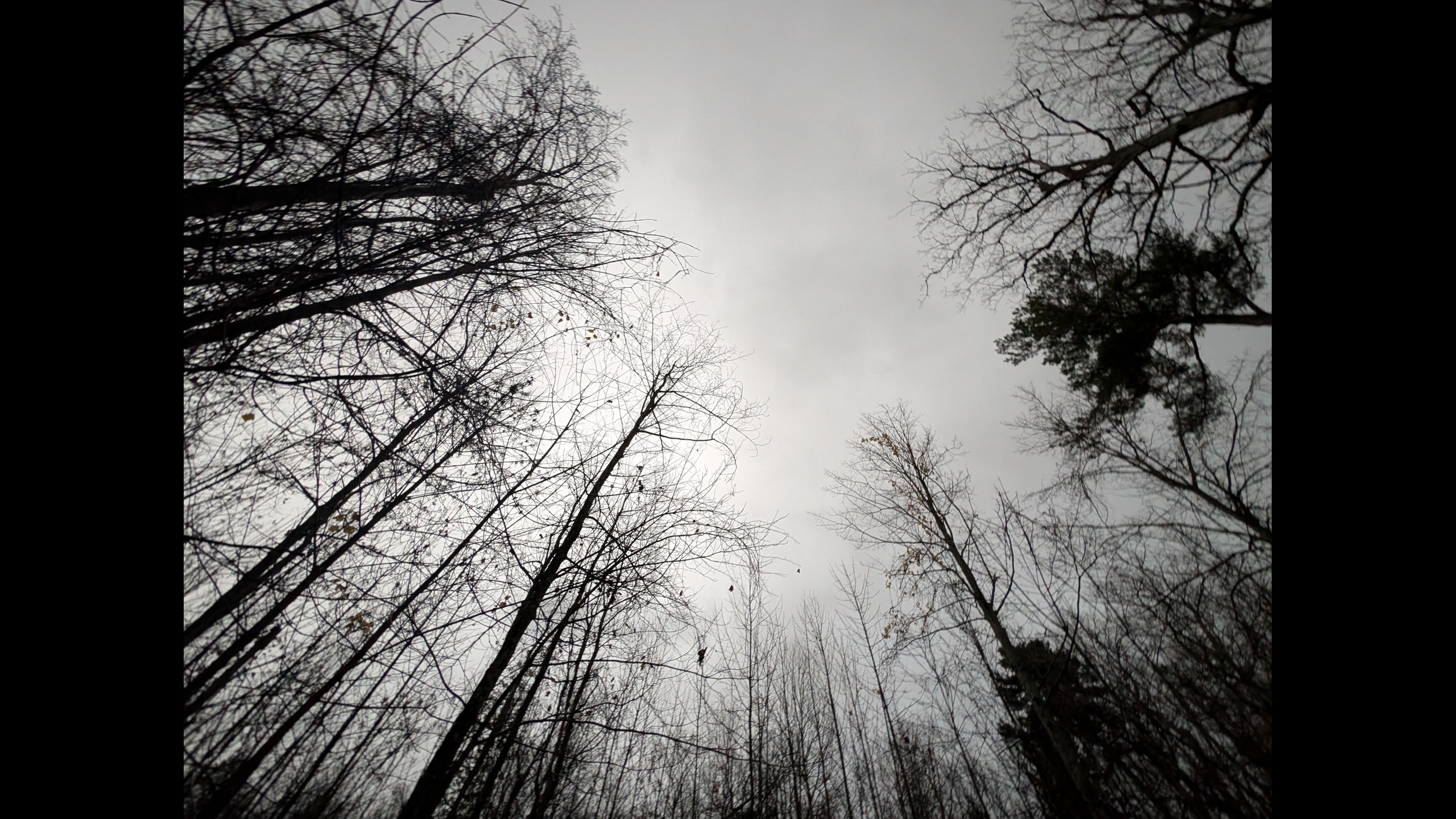
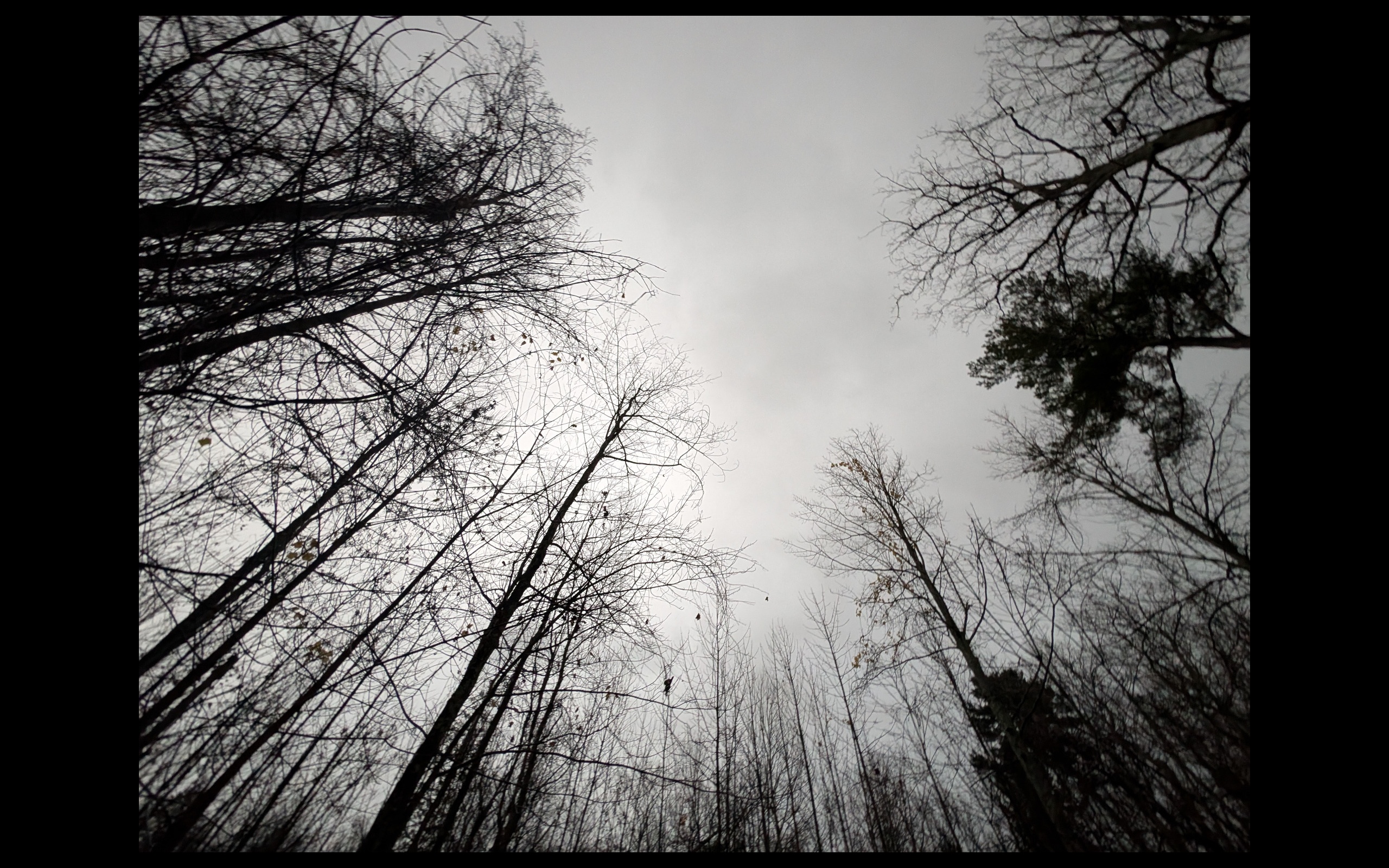
Wallpaper Set 3: November Woods
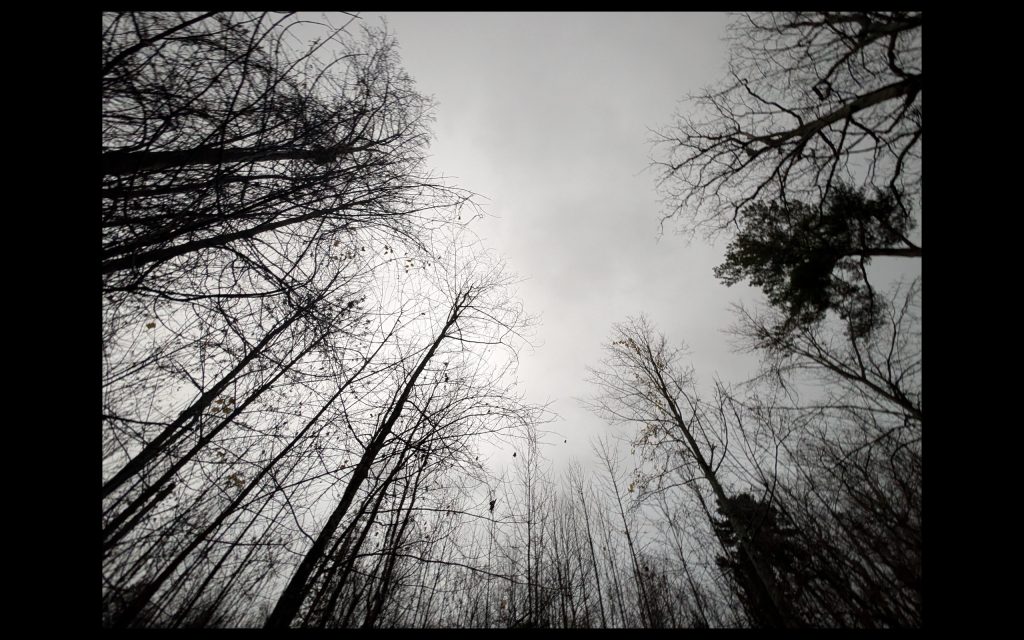
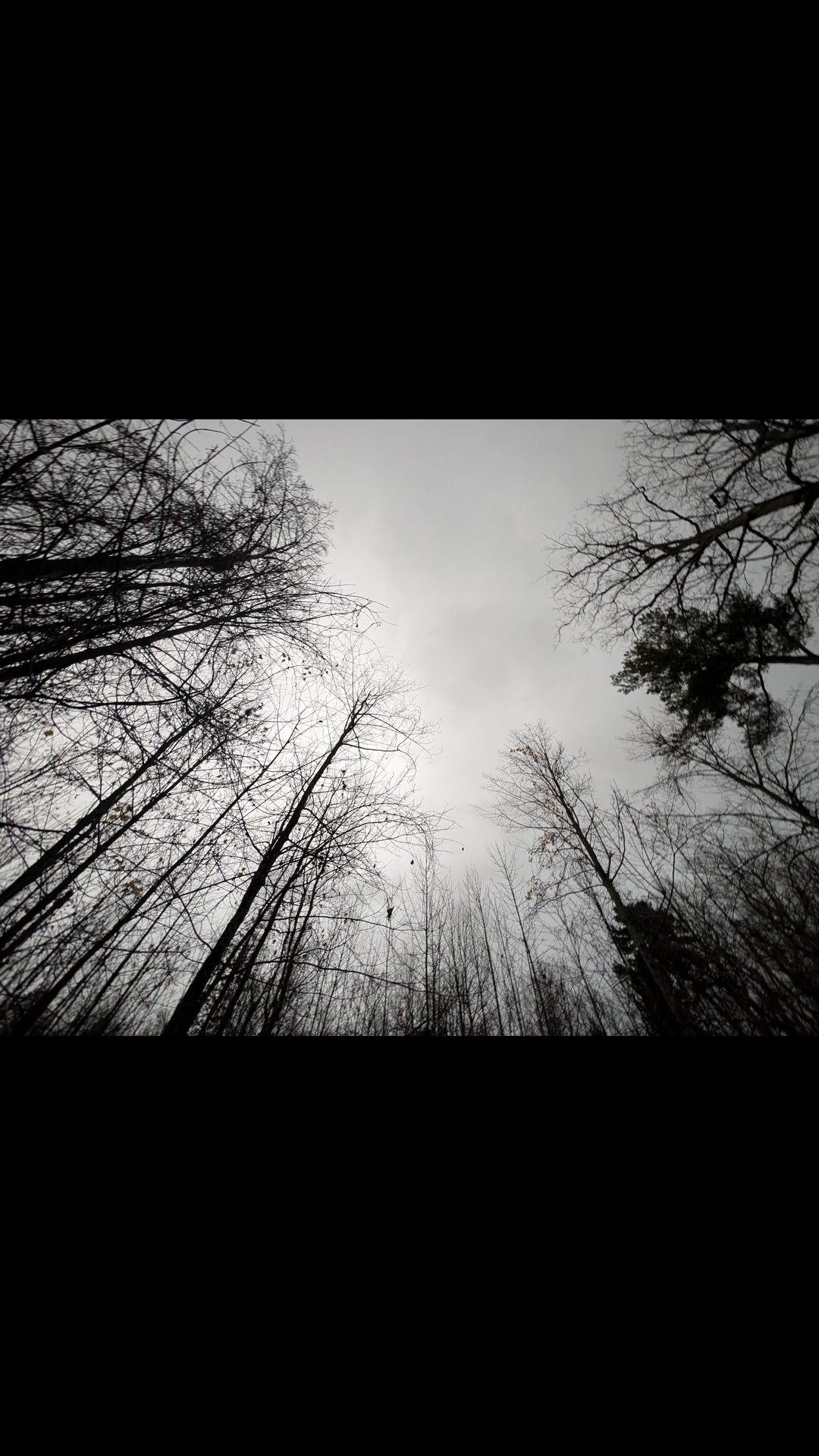
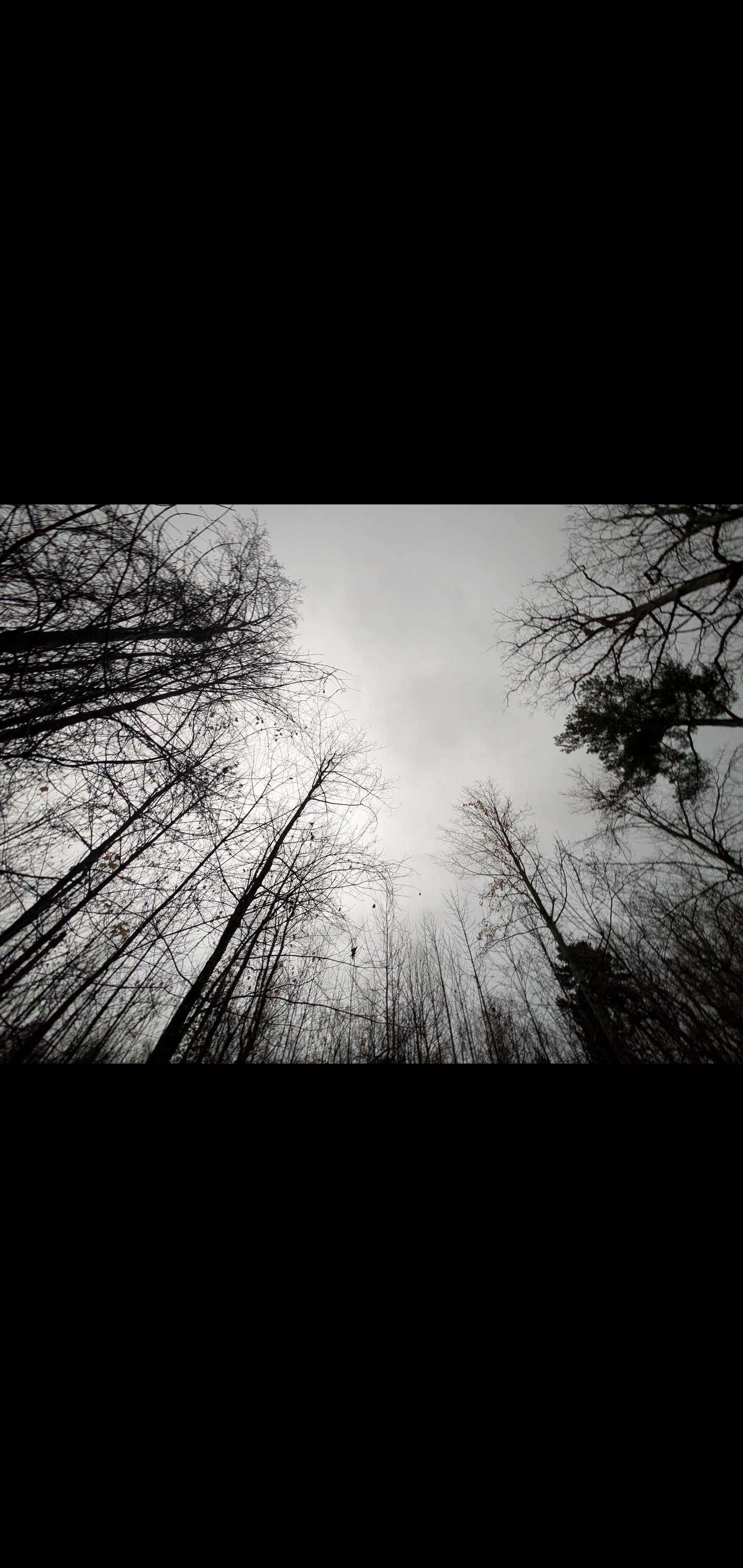
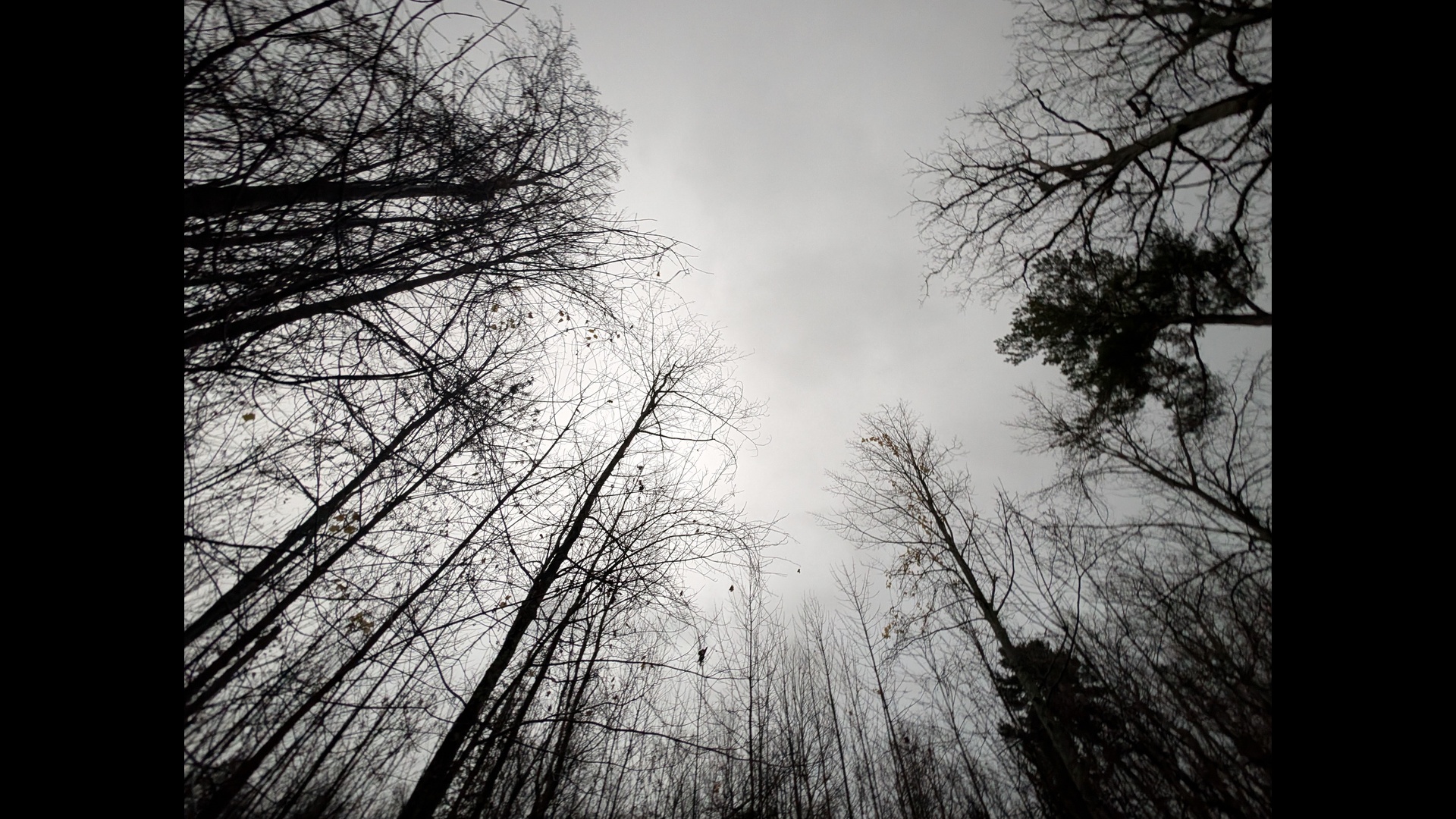
The third set is more minimal and moody. Leafless trees reach into a soft gray sky, forming intersecting lines and subtle patterns. It feels like an early November walk on a quiet trail, before the snow arrives but after the color has burned away.
As a wallpaper, this image is especially good for people who prefer a darker, low-contrast background. The branches create interest without competing with your icons. The gray and black palette lets colorful app badges stand out clearly, and the centered perspective draws your eye into the image every time you unlock your screen.
Downloads: November Woods
Mobile
- 1080 × 1920
Download wallpaper_3_mobile_1080x1920.jpg - 1440 × 3040
Download wallpaper_3_mobile_1440x3040.jpg
Desktop
- 1920 × 1080
Download wallpaper_3_desktop_1920x1080.jpg - 2560 × 1440
Download wallpaper_3_desktop_2560x1440.jpg
Laptop
- 2560 × 1600
Download wallpaper_3_laptop_2560x1600.jpg
Designed with Everyday Use in Mind
We approach wallpaper design the same way we approach client websites: form and function should support each other. An image can be beautiful, but if it makes your app labels hard to read or your dock feel cluttered, it will not live on your screen for long.
By centering the subject and surrounding it with intentional black space, these wallpapers create a layout that feels deliberate rather than chaotic. Your icons and widgets can stack neatly in the darker zones, while the heart of the image stays open and clear. It is a small design decision, but small decisions add up over the course of a day spent working across multiple devices.
From Screens to Stories
We love Northern Michigan, and we love thoughtful digital design. These wallpapers sit at the intersection of those two things. They are tiny windows into the places we walk, drive, and notice, translated into something you can carry in your pocket or load on your studio monitor.
If you enjoy these, feel free to share the links with friends, clients, or coworkers. And if you are a Michigan business looking for a new website that feels as intentional as your favorite wallpaper, we would be happy to talk about how we can help.
Until then, enjoy a bit of Northern light on your screens.